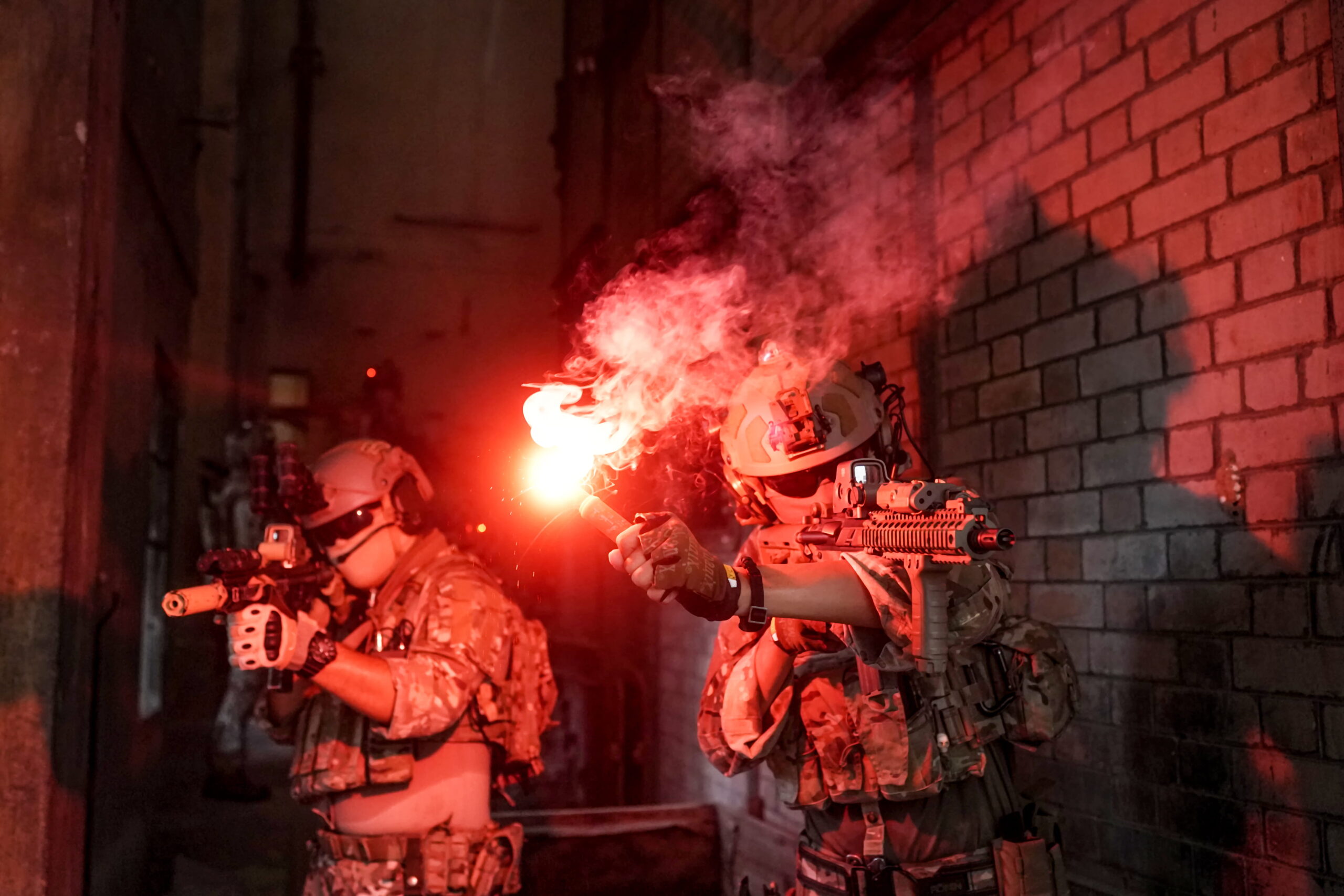
Counter-Strike 2 (CS2) has captured the attention of millions of players globally since its release, carrying forward the rich legacy of the Counter-Strike franchise. While the core gameplay of CS2 remains fundamentally tied to tactical gunplay, economy management, and precise utility usage, the community and custom game modes often push the boundaries of what the engine can do.
One of the most fascinating and surprisingly popular custom phenomena within the broader ecosystem is the concept of “CS2 mines.” Whether players are referring to custom workshop maps, community server game modes, or satirical jokes about invisible hazards, mines have carved out a unique space in the game’s culture.
This comprehensive guide explores everything one needs to know about CS2 mines, how they function in custom environments, and their impact on the player base.
What Are CS2 Mines?
In standard competitive or Premier matchmaking, mines do not exist. Valve’s flagship tactical shooter is defined by smoke grenades, flashbangs, high-explosive (HE) grenades, molotovs, and decoy grenades. There are no landmines, proximity mines, or claymores in the official weapon buy menu.
However, the term “CS2 mines” typically refers to a few specific contexts within the community:
- Custom Workshop Maps: Map creators utilizing the powerful Source 2 engine tools to script custom trap-based game modes.
- Community Server Plugins: Scripted servers (often running SourceMod equivalents or custom Lua scripts) that introduce proximity explosives to standard maps like Dust II or Mirage for casual fun.
- Meme and Content Creation: Viral TikToks, YouTube shorts, and Reddit clips where players humorously refer to tightly stacked HE grenades or poorly placed C4 traps as “mines.”
The Mechanics of Custom Mines in Source 2
With the transition from CS:GO to CS2, the Source 2 engine brought vastly improved physics, lighting, and scripting capabilities. For map makers and modders, this meant a higher ceiling for creating intricate custom game modes, including hazard-based obstacle courses and “Floor is Lava” variants featuring mines.
When players encounter functional mines on custom servers, they usually operate under specific scripted rules.
Common Custom Mine Mechanics
- Proximity Triggers: Walking within a certain radius of the invisible or visually marked mine triggers an immediate detonation.
- Laser Tripwires: Visible or invisible beams that, when broken by a player model, set off an explosion.
- Remote Detonation: Modded versions where specific players act as engineers who can drop and detonate explosives manually.
Below is a breakdown of how custom mines compare to standard CS2 explosives in terms of implementation and expected damage profiles in modded environments:
| Feature | Standard HE Grenade | Custom CS2 Proximity Mine | C4 Explosive (Objective) |
|---|---|---|---|
| Placement | Thrown dynamically | Scripted spawn or dropped item | Planted at specific bombsite sites |
| Trigger Mechanism | Fuse timer (approx. 1.6s) | Proximity sensor or laser tripwire | Manual timer (40 seconds) |
| Damage Output | Up to ~98 damage (unarmored) | Variable (often instant kill) | Instant kill in massive radius |
| Primary Environment | Competitive Matchmaking | Community Custom Servers | Competitive & Casual Modes |
Why Players Love Custom Mine Servers
While competitive matchmaking is where players test their rank and skill, community servers offer a space to unwind. Servers featuring custom mechanics like CS2 mines attract players for several key reasons:
- Chaos and Unpredictability: Standard CS2 requires precise memorization of angles, recoil patterns, and utility lineups. Mine servers throw strategy out the window, favoring fast-paced, chaotic survival gameplay.
- Parkour and Escape Challenges: Many custom maps use mines as obstacles in surf or bunny hop (bhop) maps, forcing players to time their movements meticulously.
- Social Gaming: These game modes are inherently casual, making them ideal for playing with friends or meeting new members in the community.
How to Find and Play Mine Game Modes
For players eager to experience custom game modes involving mines, navigating the CS2 menu requires knowing where to look, as Valve’s built-in server browser has evolved.
- Step 1: Explore the Community Browser. Open CS2, go to the settings or community server browser extensions, or utilize third-party server listing sites like GameTracker.
- Step 2: Search Keywords. Use terms like “custom,” “minigames,” “obstacle,” or “fun” to find servers running modified gameplay loops.
- Step 3: Check the Workshop. Visit the Steam Workshop for CS2 (as community maps continue to roll out) to download custom puzzle or trap maps to play locally with friends.
Note: Always ensure your game files are clean and downloaded from trusted community sources to avoid any security vulnerabilities on unverified third-party servers.
Frequently Asked Questions (FAQ)
1. Are mines available in official CS2 competitive matches?
No. Mines are entirely absent from official Valve matchmaking (Competitive, Premier, Casual, and Deathmatch). They are strictly confined to custom community servers and user-generated workshop maps.
2. Will Valve ever add mines to the official game mode?
It is highly unlikely. Counter-Strike has maintained a strict tactical formula for over two decades. Introducing proximity mines would fundamentally break map geometry, standard utility metas, and the carefully balanced economy of the game.
3. How do map creators make mines in Source 2?
Map creators use the Source 2 Hammer editor combined with advanced scripting tools to create trigger zones. When a player model intersects with that specific coordinate zone, the script commands an explosion entity to spawn and detonate.
4. Can playing on custom mine servers get you VAC banned?
Playing on standard community servers that run custom plugins is entirely safe and will not result in a Valve Anti-Cheat (VAC) ban. However, players should always avoid using unauthorized third-party software or external cheat clients.
While CS2 remains fundamentally rooted in classic terrorist-versus-counter-terrorist tactical gameplay, the ingenuity of the modding community ensures that there is always room for experimentation. CS2 mines—whether found in chaotic custom minigames, user-made workshop puzzles, or community server plugins—highlight the incredible flexibility of the Source 2 engine. For players looking to take a break from the intense grind of Premier mode, diving into a custom mine server offers a fun, explosive alternative.
Discover cs2 mines at cs2skin.com, where CS2 skin fans can explore fast-paced gameplay, features, and helpful getting-started details.
About the Author